
A large part of the role for design system maintainers is to make things for your peers. This comes with having empathy for your organization and the people who compose it. Many organizations are composed of engineers that are jacks-of-all-trades. The idea of having a developer that can manage the front and the back-end seems very appealing to organizations. Especially since CSS is so easy, we don’t even need to test for it! 🫠
Enter the full-stack engineer. Where you work probably has a lot of them, some companies might even highlight “we’re all full-stack here” with varying degrees of prowess. As design system maintainers we are often adjusting our strategies to fill in the gaps of full-stack knowledge. The CSS skill that wasn’t assessed in the interview? Don’t worry, we have a design system for that.
In this post, I want to explain something to full-stack engineers that is often confusing: why can’t I just declare that the button is blue?
The button is blue
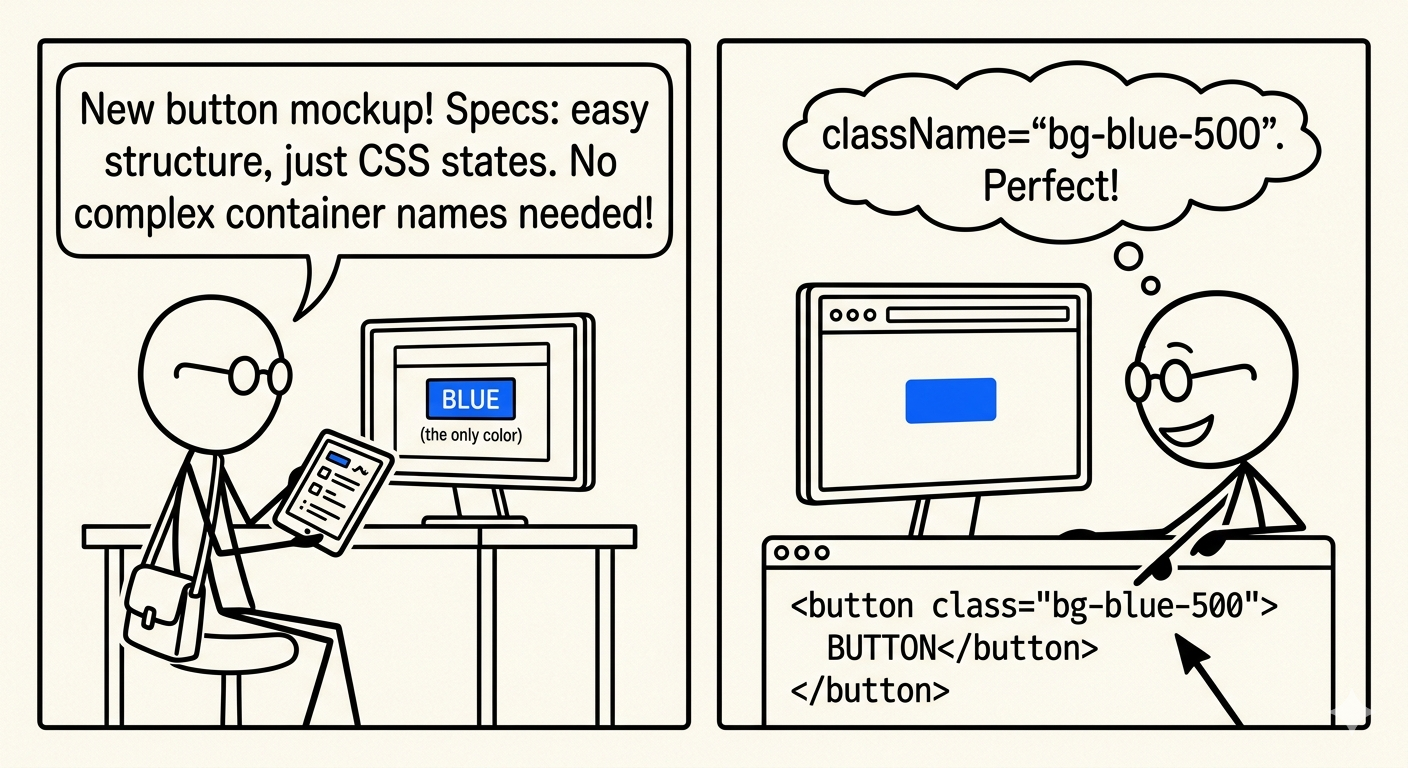
You get a mockup from your designer for a shiny new button. You look at the carefully crafted specifications and start coding. It’s just a button, so no worries about complex structure. But you know there’s probably a lot of states, so you’ll definitely be writing some CSS. If you’re lucky, your team is leveraging Tailwind which makes it easy to declare all of the styles right there in the structure. You don’t need to think of a container name for the styles, you can just say className='bg-blue-500' and the button is now blue. Perfect!
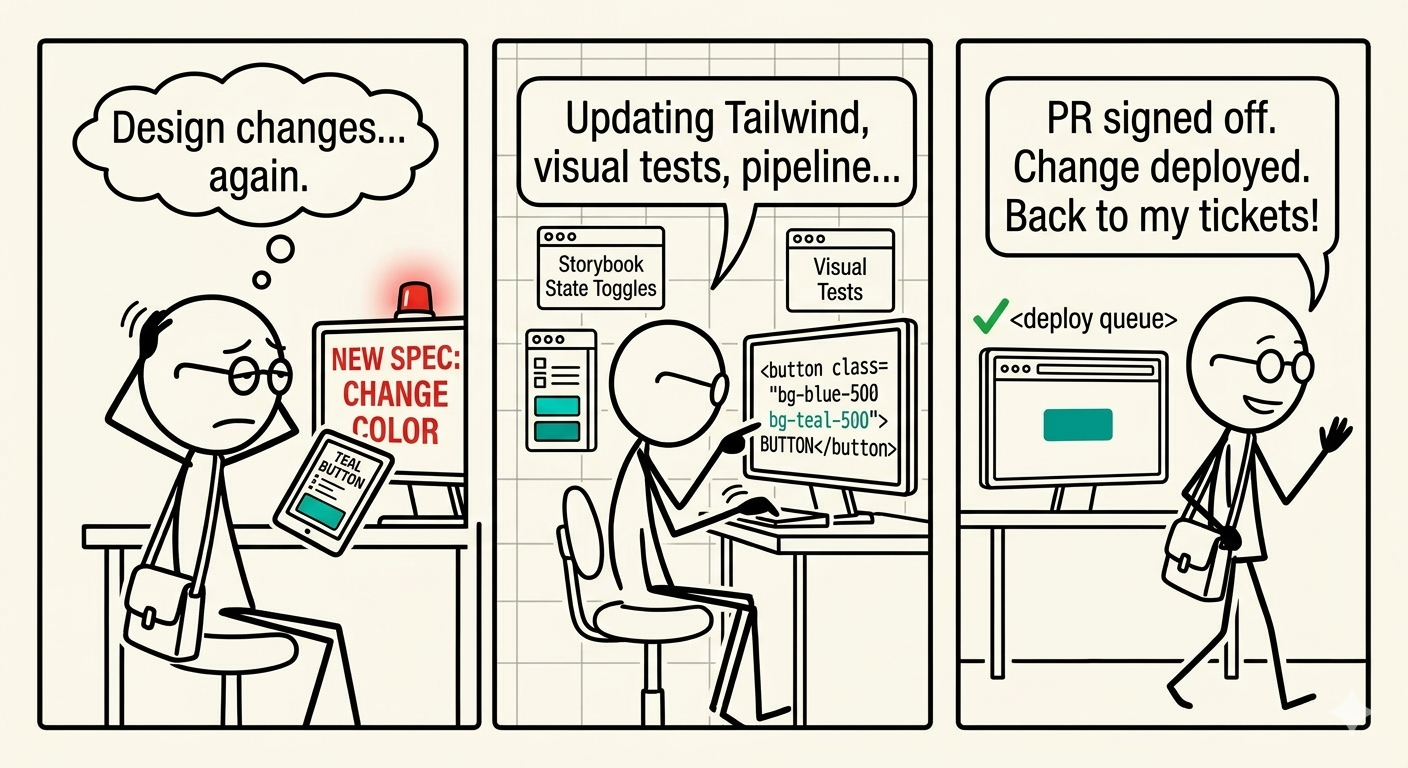
Some time passes and changes happen in the design. The button isn’t performing well so we need to change it. You get a new design and see it is just some color changes. You get back into those Tailwind classes and start making adjustments. Toggling states in Storybook, updating visual regression tests, and anything else that was affected by the update. It’s not as time consuming as when you first created the button, but it’s not a simple find and replace. You create the PR, get the sign off from your other team members and get the change in the deploy pipeline. Back to your regularly scheduled tickets.
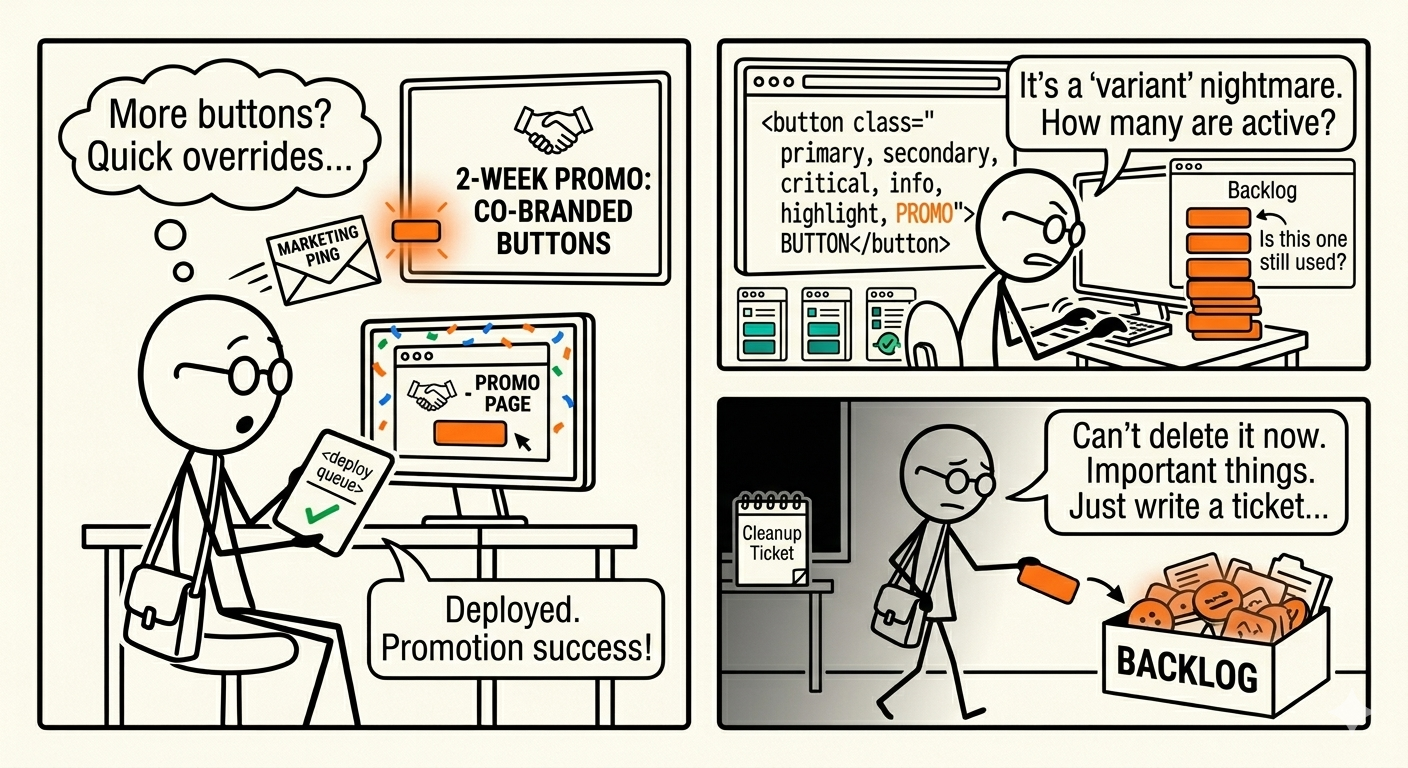
Some more time passes and the head of marketing pings your team about a special promotion that we need to run for 2 weeks, which is cobranded with another partner. We need a few new pages made that have buttons but they need to look different than the other ones because they need to show this new cobranded presentation. It takes too much time to make a wholly new button, so you want to make some quick overrides to the original one for this special purpose. Again, you go through the motions of updating classnames, maybe even making a special “promo” variant because this isn’t the first time you gotten this kind of request. Now the button’s variants are getting numerous: primary, secondary, critical, info, highlight, promo. Each of them has slight differences, some of which we don’t even know if they are still being used. You get the change in the pipeline, and it’s ready for use in the promotional pages. The promotion was a huge success, and now we have to tear it down. It doesn’t make sense to go into the button and remove the code, I have more important things to take care of. We’ll write a ticket and put it in the backlog.
A new designer comes on board and is in charge of a fresh new look but they aren’t familiar with the current state of affairs. They’re exploring things in their design tool, and aren’t organized yet. They want to see how changes they make would look in real applications. You know we don’t really have a good way of doing that. Each design change has to be coded, tested, reviewed, and deployed. The process takes a while so it’s really hard to iterate on how a design decision could affect the current experience. All you could recommend is to try things in design and then you’ll make changes in the code to match. Luckily, you have some auto deployed Storybook that can give an idea of what things might look like, but we’ll never really be sure until it’s out in the wild. Even then, we might find oversights that we’ll require a rollback and re-release. All of it taking time away from more important infrastructure work that you were actually assessed on in your original interview.
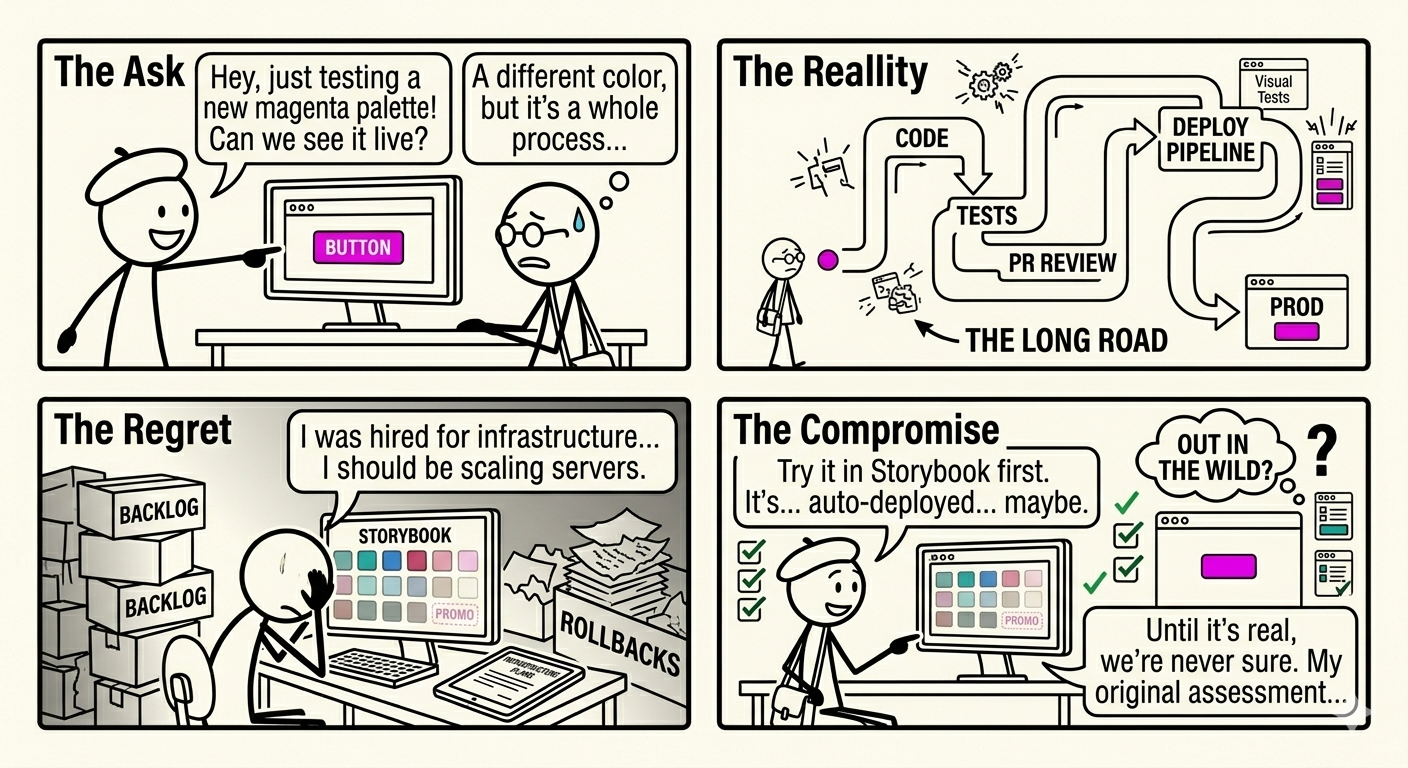
Wouldn’t it be better if the person who wanted to make these little design changes could just do it themselves?
In the code
Let’s say you have the following JSX code:
function Button({ variant, ...props }) {
    return <button { ...props } className={ clsx({
        'bg-blue-500': variant === 'primary'
    }) }>
}
And you might say, toggling classes with clsx is old news, we use cva now. Ok, here’s the same thing with cva:
const button = cva({ variants: {
    variant: { primary: ['bg-blue-500'] }
} });
Under the hood, providing the concept of primary is still applying a declarative class that directly represents the blue background for the button.
But maybe you have a more sophisticated system. Maybe you have a global palette that’s type-safe and ensures only the colors that are meant to be applied can be used. Here’s how this might look using Panda CSS:
function Button({ variant, ...props }) {
    return (
        <button { ...props}
            className={ css({ bg: 'blue.500' }) } />
    )
}
In all of these cases, the person coding the button is ultimately in charge of the way it is presented. Sure, someone else told them to use bg-blue-500, but that will never make it to production and get in front of users without the developer interpreting that change in code. Even though they aren’t the person who made the decision about what color this should be, it is the developer’s responsibility to maintain the application of this color to the element. Every little decision that a designer, marketer, or other stakeholder might want is gated behind the developer.
In my view, the full-stack developer is not a stakeholder in the final presentation of the button. So it doesn’t make sense that they should have the responsibility of maintaining how it looks. Instead, we should provide some proxy that allows the decision from a stakeholder to be made by the stakeholder. Delegating the responsibility about the color of the button to the people who actually care what the button looks like. That leaves the developer open to tackle the engineering tasks that they were trained to do.
So, how could we let a stakeholder apply the color they want to these buttons? We’d need some way of allowing their decision to be restricted to only design properties, and ensure nothing else is affected. We can’t just make this another prop. Props are used by developers so other non-developers won’t use them. We need a list of all the design decisions that we expect stakeholders want to change, and allow them to assign values to those in some curation exercise. Then our components could look up the values they assigned and apply those assigned values to the associated properties.
New naming
Ok cool, so let’s try using what we have to make this. First we set up some list that people can use to change the values that are assigned. Let’s assume we have some UI that allows stakeholders to make updates to it. It could be a simple spreadsheet or a more robust interface:
{
    "blue": {
        "500": "#006be6"
    },
    "orange": {
        "500": "#f97316"
    }
}
Since our components are already using this, we don’t need to change anything there. Sounds good! Except until the button needs to be orange. Since the button has blue.500 assigned, we’d need to go back into the button to change it to orange.500. That’s not what we want because going back into the button’s code is a task for the engineer, and only the engineer. We need some way of having the decision to change from blue to orange for the button to be represented here.
Why not have the system describe the element and property being affected? Something like button.primary.bg and button.primary.text. That way the person who is trying to update the color knows what it’ll affect, and the person assigning that variable knows where to place it. They don’t even need a design mockup to figure out where this goes. The place where it goes is right in the name. It makes it clear to everyone on the team what this thing is meant to represent. Let’s update our things:
{
    "button": {
        "primary": {
            "bg": "#006be6",
            "text": "#fefefe"
        }
    }
}
This can be represented in some UI that makes it clear these are the colors for the primary button’s background and text so that a stakeholder can change it whenever they like. Now, the developer just needs to read from these new values:
function Button({ variant, ...props }) {
    return (
        <button { ...props}
            className={ css({ bg: 'button.primary.bg' }) } />
    )
}
What we’ve begun to introduce is called a “semantic” naming strategy. Using this, we describe what is going to be affected so that someone else can provide the value in the pipeline. This relieves the engineer from looking up or maintaining the presentation of the button and make it an exercise for folks that are more responsible for those decisions.
Those visual regression tests? Now those tests happen before the list is published. We can know how the colors are meant to be used before they hit the components. We can check for contrast, create an alpha set for testing in real parts of the application. Separating the concerns balances the responsibility of the team.
Trust the process
When a full-stack engineer first starts using a semantic naming strategy, they might be uncomfortable because the decision about what color the button is no longer belongs to them. It is delegated outside to another person. What if they choose the wrong color? Why does the button suddenly look weird? People are going to think it’s my fault and I did something wrong. These are all valid thoughts to have when encountering a new paradigm. New ways of approaching something that has been the same way over years is concerning.
You must be thinking, why doesn’t Tailwind’s default approach lean on semantic naming? The answer is because the scenarios I’ve described above don’t happen often, but when they do the pain is felt. When you first put bg-blue-500 in your code, you don’t think about the future. Of course not, you are thinking about pushing this code right now. Changing this code is your future self’s problem. Tailwind isn’t preparing you for the future, it’s preparing you to ship right now and that’s often what matters. However, the reality is that without a semantic layer, it can’t easily account for iterations, experimentation, and stakeholder requests. Maybe you don’t have these, so you’ll never need to revisit the button.
But when you do receive that ticket to change the button’s background color, the answer isn’t to dig back into the code. It’s to make sure the right person can make that decision without ever needing to ping you. That’s empowering your team to express their creativity while you get back to your own expertise.